1TEMPLATE
A resume editor with accurate digital to print translation
OVERVIEW AND OUTCOMES
The goal was to build a faster, more intuitive resume creation experience that felt familiar while offering the power of a specialised resume editor.
Most resume builders feel restrictive, unintuitive, or overly templated — forcing users into rigid layouts that don’t reflect how they naturally write or edit documents.
We wanted to create a resume editor that felt as flexible and familiar as Google Docs or Microsoft Word, staying as simple and intuitive as possible, whilst still supporting resume-specific structure, formatting, and optimisation.
1000+ Users
Grew to over 1000 users within 3 months of launch
31% Returning Users
Of 3700, 31% returning users over 6 month period
Accurate Printing
Accurate digital to print following print standards
PROCESS AND APPROACH
My approach focused on three core principles:
Leverage existing user mental models rather than reinventing document editing
Build a true WYSIWYG editing experience that accurately reflects real-world print output
Design a modular system that allows resume-specific features to scale over time
The goal was to balance familiarity, flexibility, and technical accuracy.
My typical approach to any design process has to be rapid yet effective, saving fast moving teams time and money, yet ensuring a solid process. To meet these standards, I use a very iterative process whereby I throw ideas around and create rough mockups that I can rapidly iterate over.
This process identifies pain points and problems very early on while encouraging generation of ideas that can be used either towards the final product, or kept in storage for later use.
We had an idea of the final product and a rough collection of requirements and features we wanted included, and so came putting together rough mockups, discussing ideas and painting a picture of the final product in our heads through the means of a very iterative process.
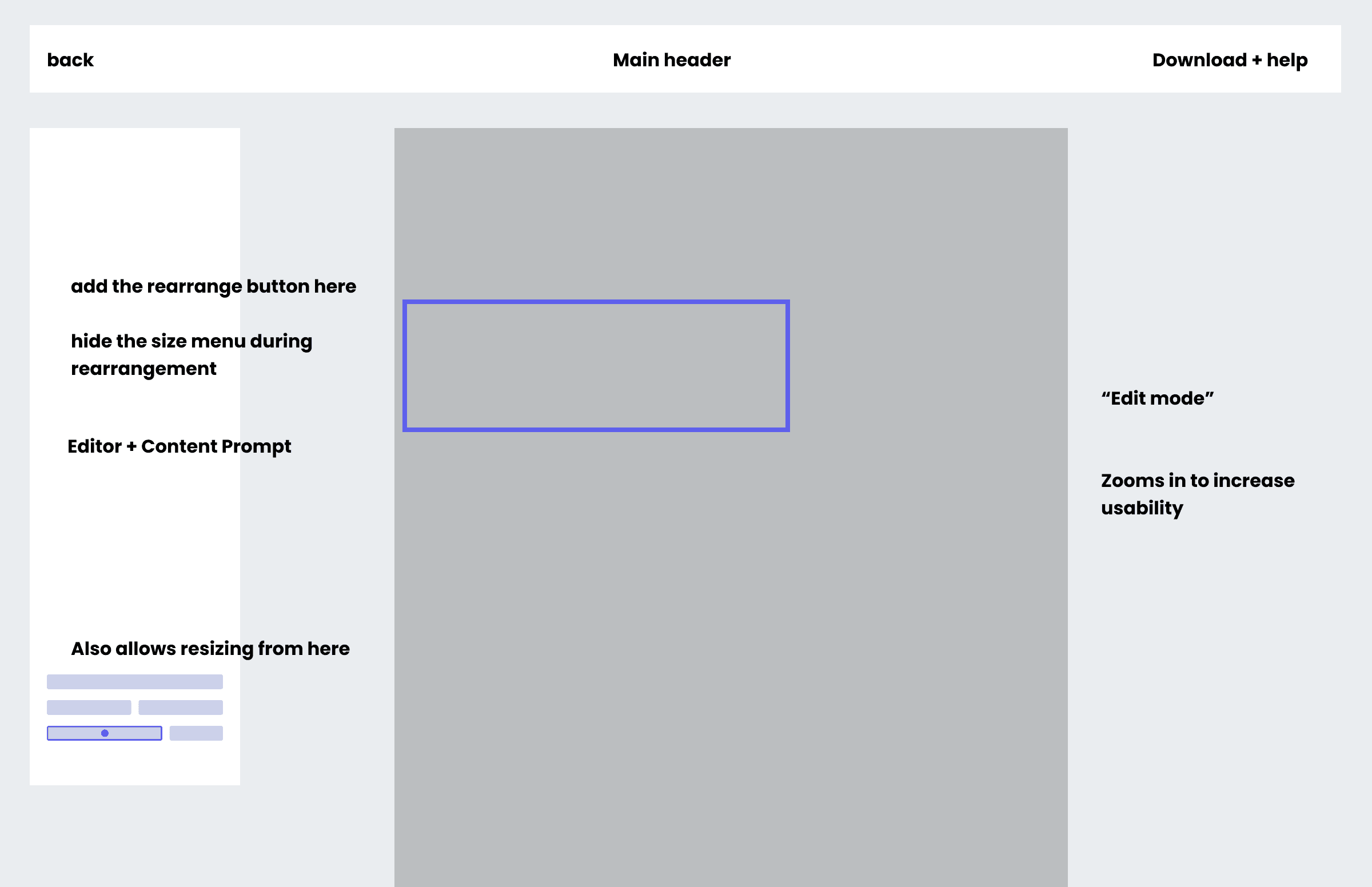
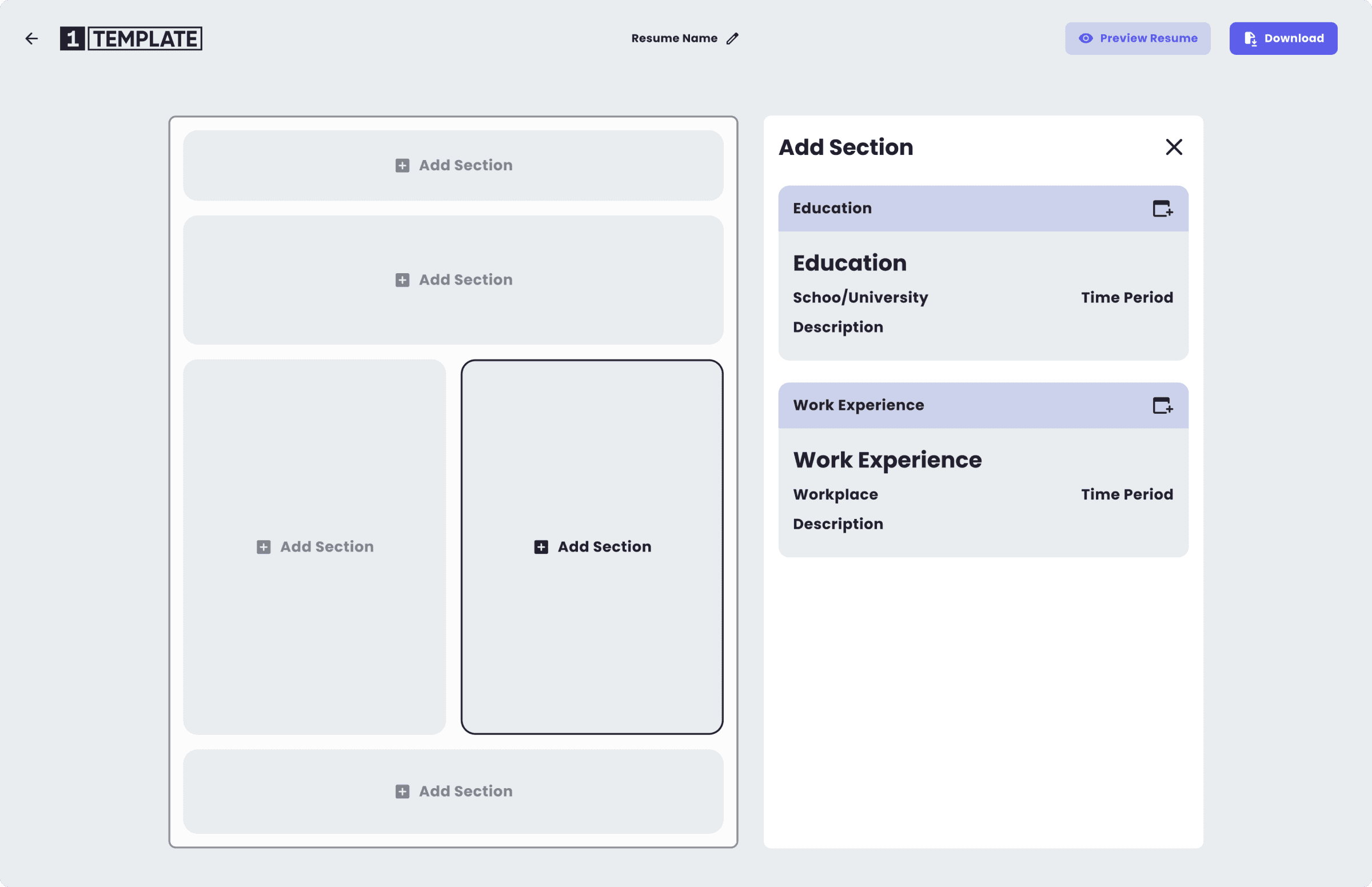
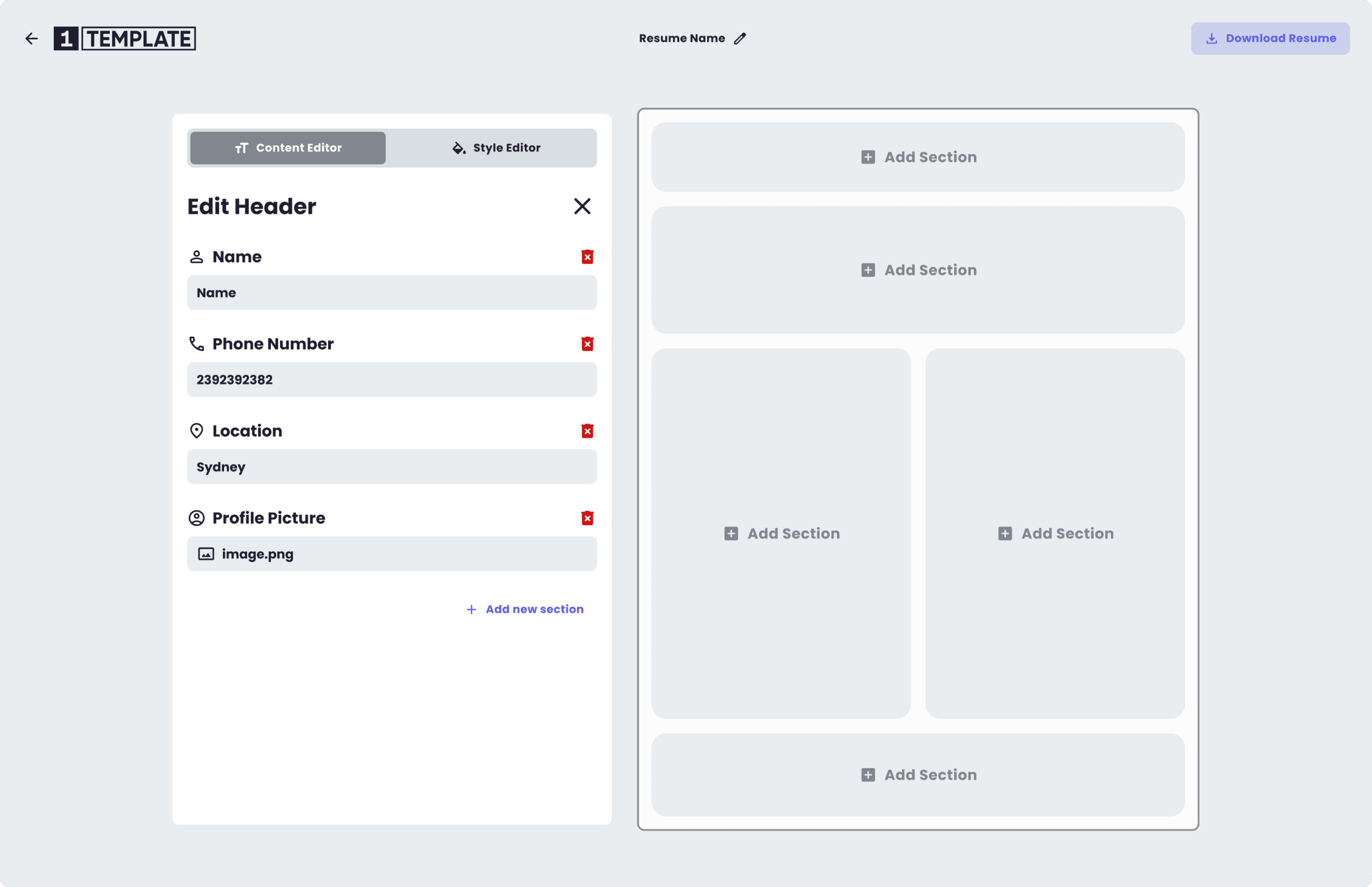
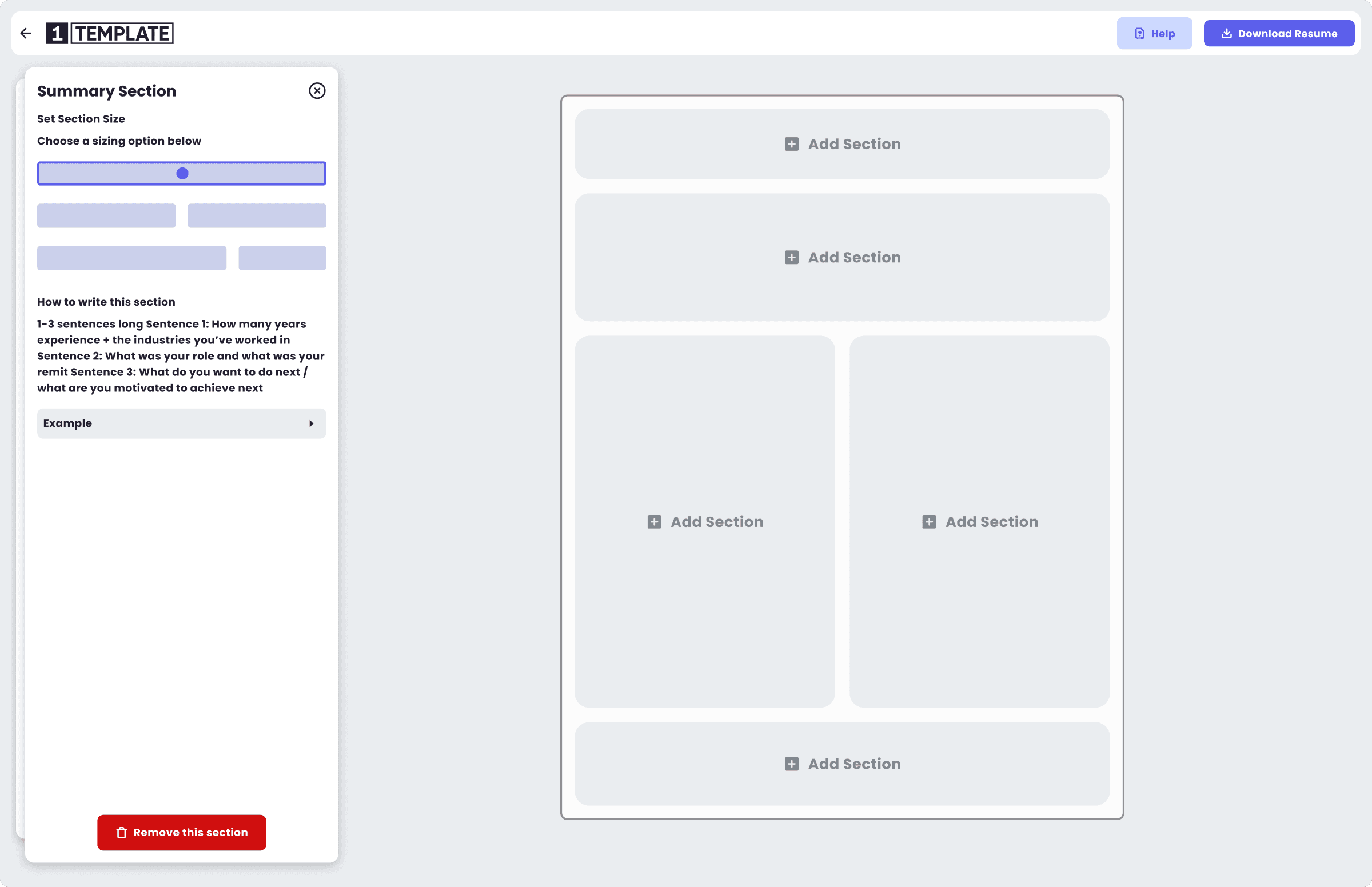
As stakeholders threw around ideas, I was able to piece together more fully fledged UIs
Phase 1 — Designing a Familiar Editing Experience
Instead of creating a completely new editor paradigm, I intentionally anchored the experience in patterns users already understood — particularly Google Docs and Microsoft Word.
This reduced onboarding friction and allowed users to focus on writing, not learning a new interface.
Key decision:
Prioritise document-style editing over rigid form-based inputs
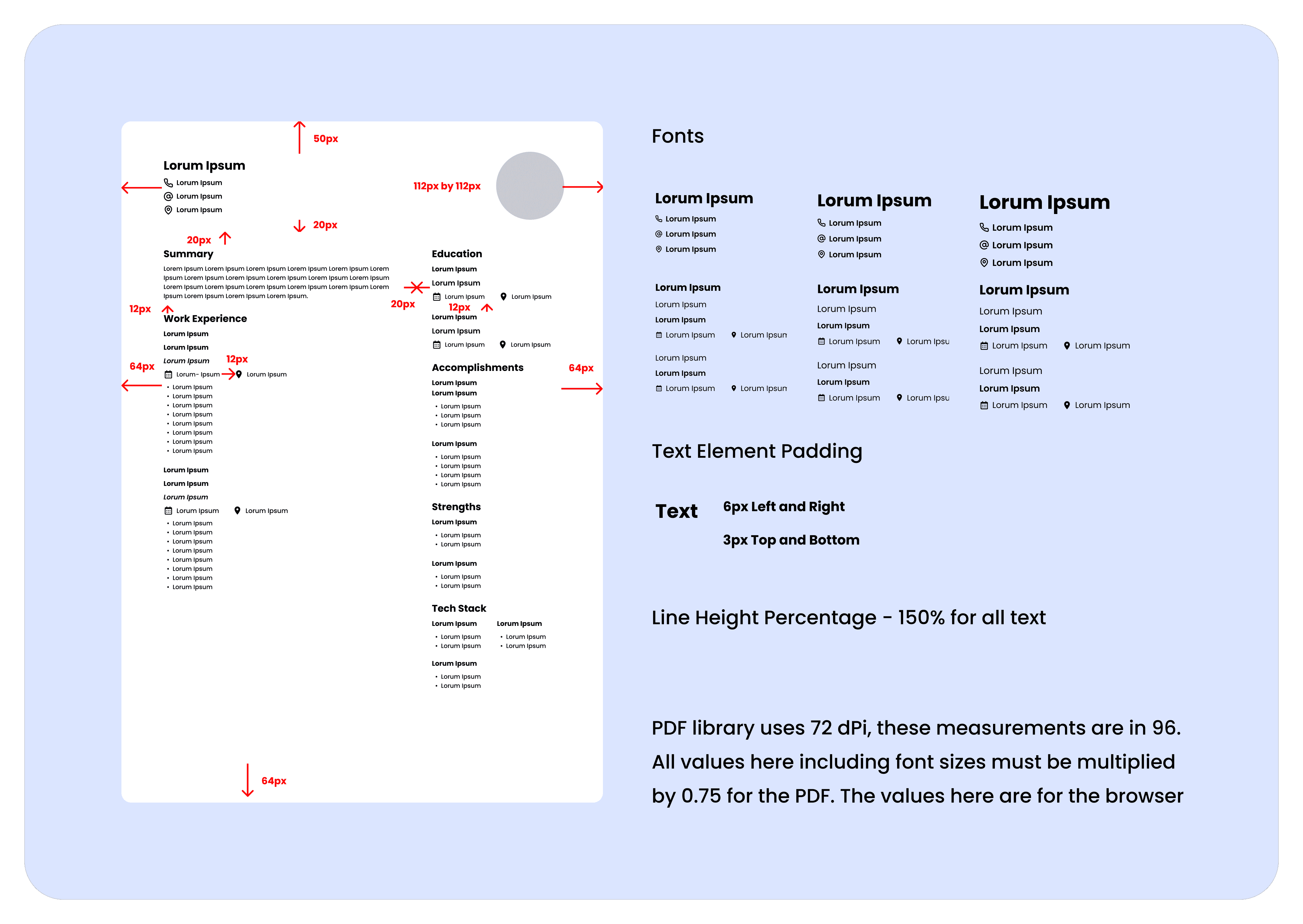
Measurements blueprint for using pixels as a base and multiplying by the PDF library's DPI standard that's used for the editor.
Phase 2 — Building a True WYSIWYG Resume Editor
To ensure the digital editor matched real-world print output, I went beyond UI design and helped define a pixel-to-print translation system.
This included:
Creating a measurement library that converts pixels to points and inches
Establishing a standard DPI baseline
Defining formulas for accurate margins, text sizing, spacing, and container scaling
This enabled the editor to function as a true digital-to-print environment, giving users confidence that what they saw on screen matched the final exported resume.
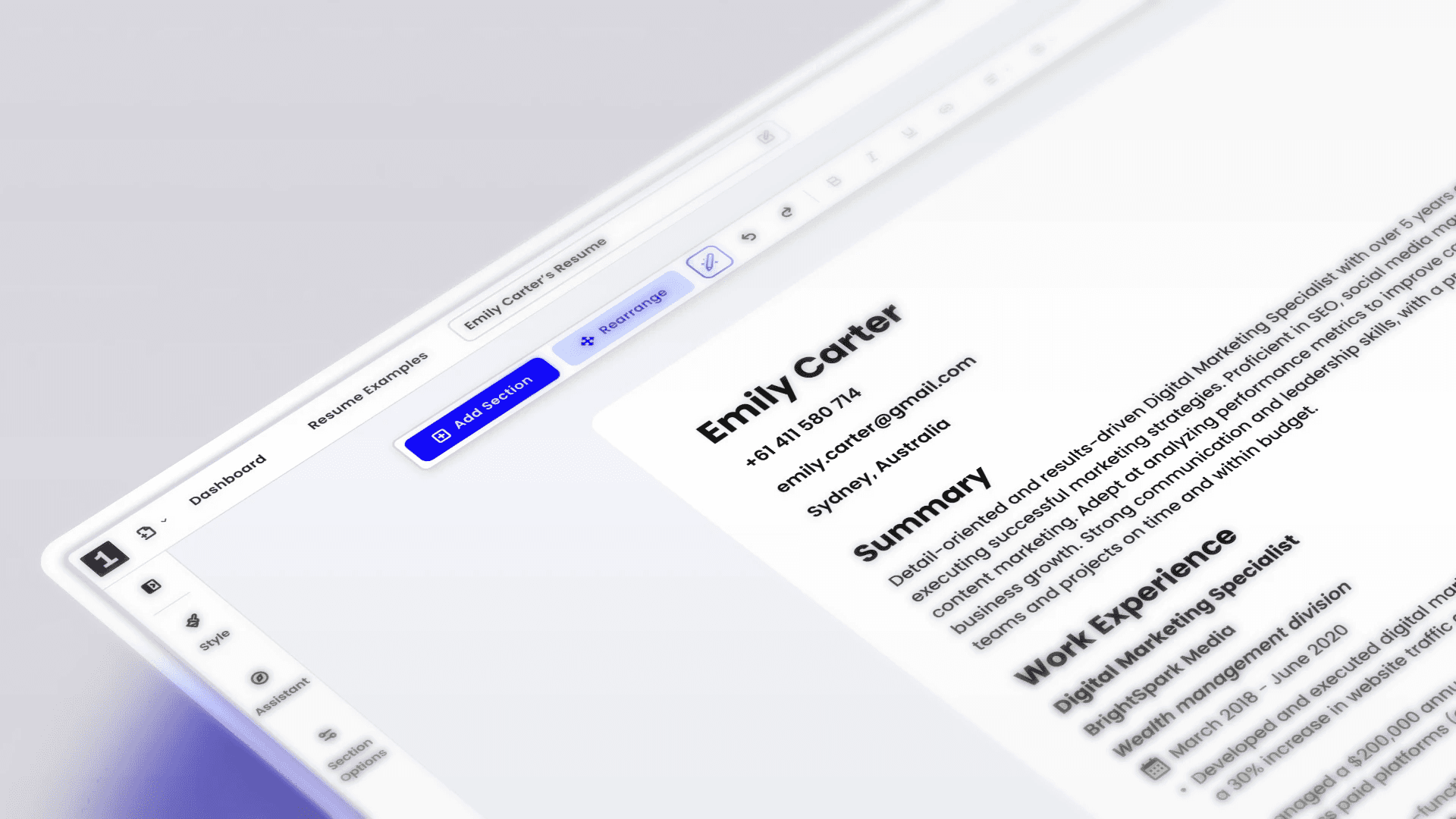
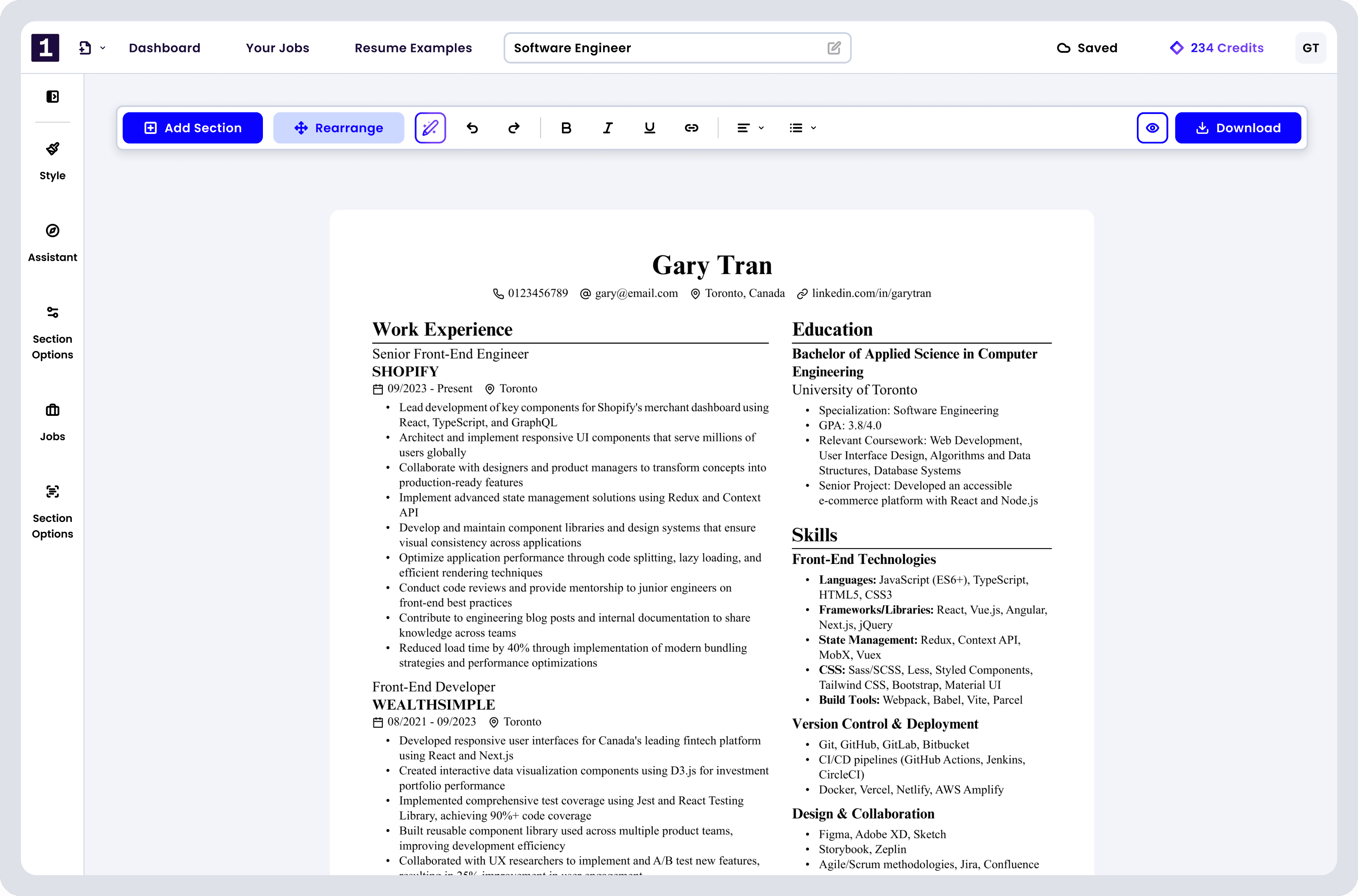
The current editor UI. Much cleaner, organised and better structured
Phase 3 — Designing Modular Resume-Specific Features
On top of the core editor, I designed modular resume-focused tools that could be layered in over time — such as guided improvements, and AI-assisted writing features.
This allowed the product to evolve without bloating the core experience or overwhelming users.
FINAL THOUGHTS
n hindsight, for a product that required rapid iteration, leveraging an existing design system — rather than building one from scratch — may have accelerated development and reduced overhead. Additionally, setting clearer standards for UX documentation and centralising research, flows, and insights earlier would have improved alignment and long-term maintainability.
These learnings have shaped how I now approach design systems, documentation structure, and scalable product workflows, with a stronger focus on speed, clarity, and collaboration.
1Template now stands as one of the few true WYSIWYG resume editors on the market, offering a Google Docs–like editing experience combined with powerful, resume-specific features. It has grown into a flexible, print-accurate, and user-friendly tool that helps thousands of users create high-quality resumes with speed, confidence, and control.